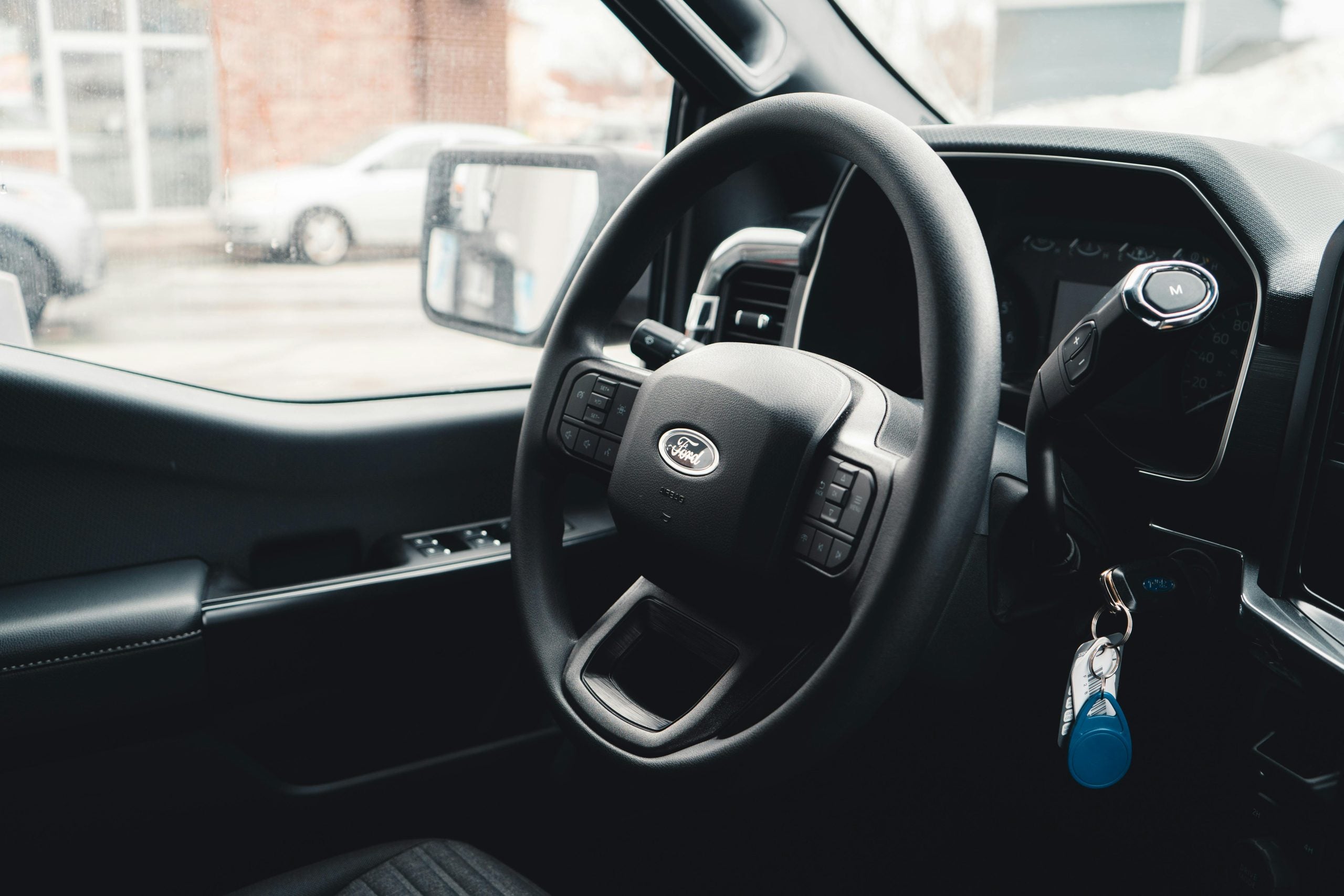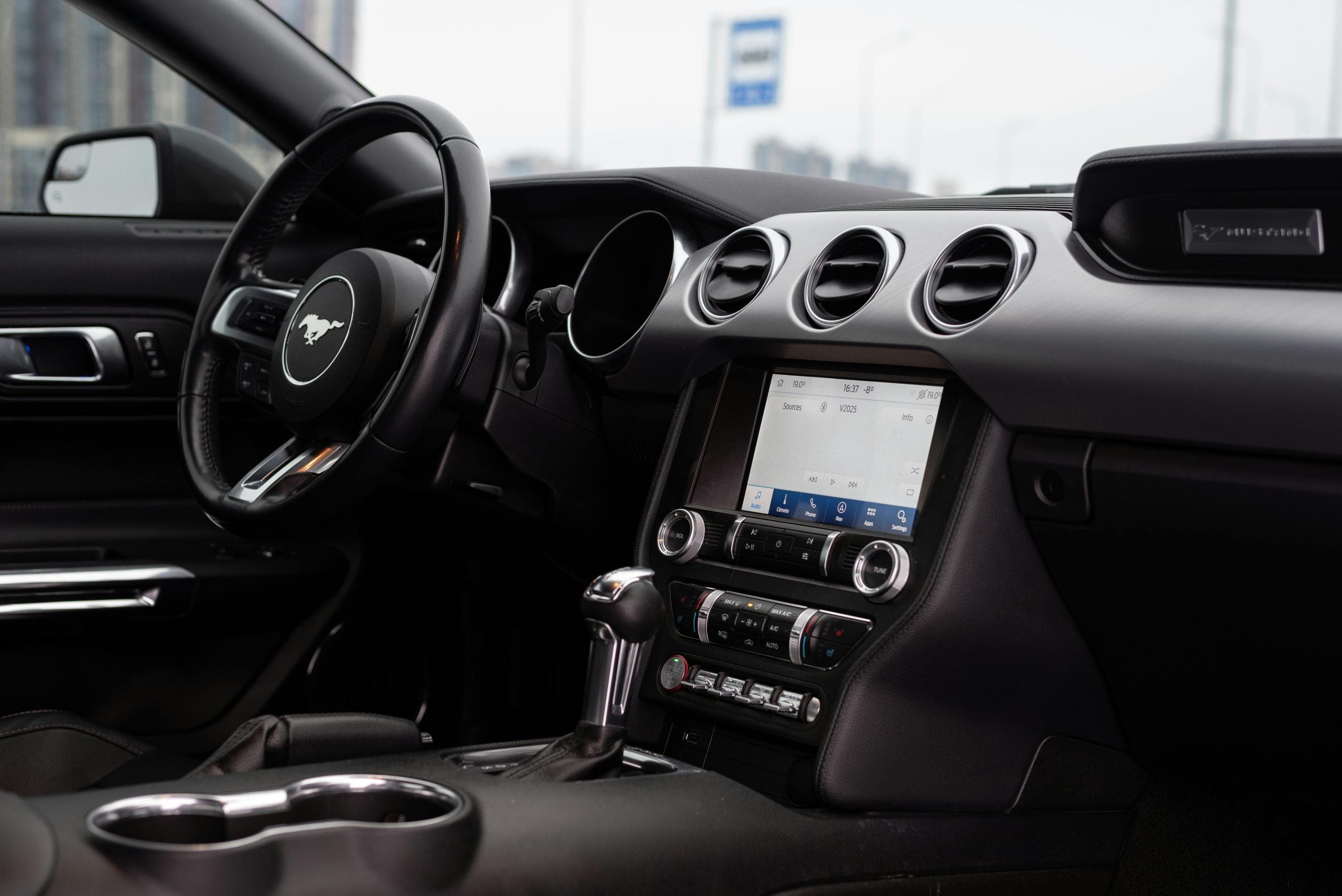

Unlock the convenience of integrating your garage door opener with your Ford vehicle using this step-by-step guide. The Ford HomeLink system simplifies your daily routines, allowing you to control your garage door, gate, and even home lighting systems directly from your vehicle. This comprehensive guide provides everything you need to know about programming your Ford garage door opener, whether you're setting it up for the first time or troubleshooting. Our John Kennedy Ford team is here to help you enhance your vehicle's usability and save time when accessing your home or other secured spaces in Feasterville.
Preparing To Program Your Ford Garage Door Opener
Preparing for the programming process before beginning is essential, as gathering the necessary tools and understanding the steps can save you time and frustration. Here's what you need to get started:
- Your garage door remote control: Ensure its battery is fully charged to avoid weak signal issues.
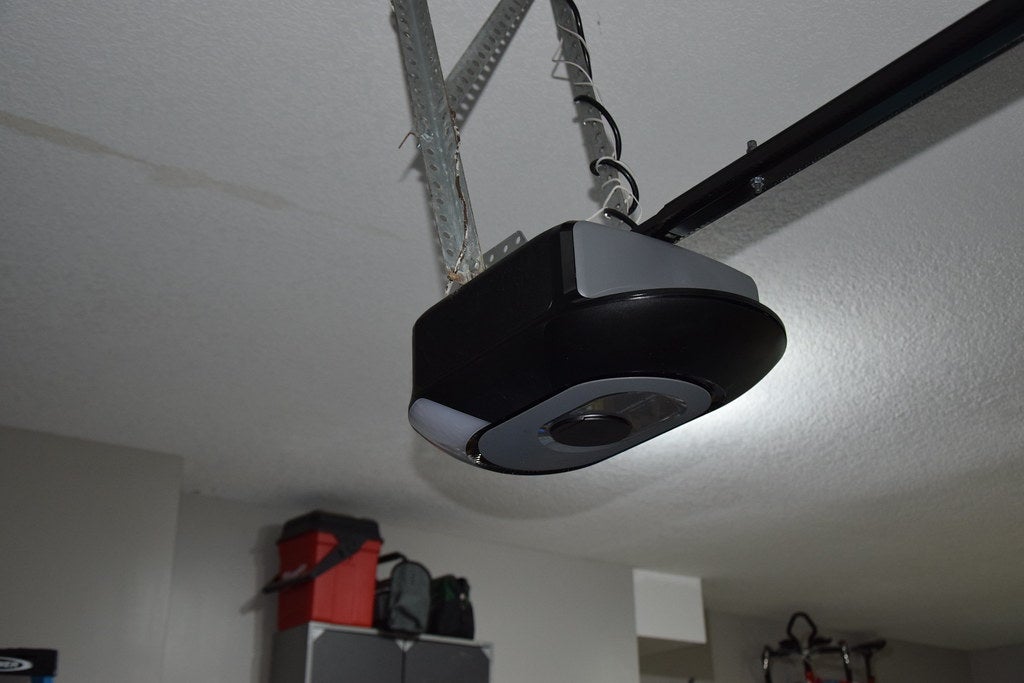
- Access to the garage door opener motor: This typically involves pressing a "Learn" or "Smart" button on the motor for rolling code systems.
- Your Ford owner's manual: Your owner's manual offers model-specific guidance if needed.
Key Preparations
Position your Ford within range of the garage door opener, then follow these steps:
- Turn on the vehicle's ignition, but don't start the engine.
- Locate the HomeLink buttons in your Ford, typically on the overhead console or sun visor. These buttons will be used to program the system.
- Confirm your garage door opener is compatible with the HomeLink system. Most modern openers work seamlessly, but older systems may require adapters.
Ensuring these preparations are complete minimizes frustration and guarantees a smoother programming process.
Step-By-Step Guide To Programming the Ford Garage Door Opener
Programming your Ford garage door opener is straightforward. The steps below apply to most Ford models equipped with the HomeLink system.
1. Pair the Remote to HomeLink
- Hold your garage door remote one to three inches from the HomeLink buttons.
- Simultaneously press and hold the button on the garage door remote and the desired HomeLink button in your vehicle.
- Hold until the HomeLink indicator light changes from a slow blink to a rapid or solid light. This indicates that the remote's signal has been paired with the HomeLink system.
2. Sync With the Garage Door Opener Motor (Rolling Code Systems)
- Locate the "Learn" or "Smart" button on your garage door opener motor. This is usually near the antenna wire or the motor's light.
- Press the "Learn" button. Quickly return to your vehicle to complete the programming; you'll have 20 to 30 seconds.
- Press and hold the programmed HomeLink button in your vehicle for two seconds and release it. Repeat this step up to three times until the garage door responds.
3. Test the System
- Press the paired HomeLink button to ensure it opens and closes the garage door. If the system doesn't respond, repeat the steps above, ensuring all buttons are held for the appropriate duration.
- Consult your garage door opener's manual for specific instructions if your system has additional security features.
These steps apply to garage doors and gates, making HomeLink a versatile addition to your Ford vehicle.
Troubleshooting Common Problems
Even with proper preparation, you may need help programming your Ford garage door opener. Here are some common problems and solutions:
- Weak remote signal: Ensure the remote's battery is fresh and functional. Hold the remote close to the HomeLink buttons during programming.
- Interference: Avoid areas with high radio frequency interference during the setup.
- Unresponsive HomeLink system: Repeat the programming steps carefully, ensuring you press and hold the buttons as instructed. If your garage door opener uses a rolling code system, it may require additional steps, such as pressing the motor's "Learn" button.
Resetting HomeLink
Press and hold buttons 1 and 3 on the HomeLink panel until the indicator light blinks rapidly. This erases all HomeLink programming and resets the system, allowing you to start fresh.
Compatibility Issues
Older garage door openers may require extra steps or adapters to work with HomeLink. For additional guidance, refer to your opener's manual. Patience and attention to detail are essential to successfully programming your HomeLink system. If issues persist, professional assistance may be the best option.
Additional Tips and Maintenance for Your Ford's HomeLink System
To maximize your Ford's HomeLink system's performance and ensure long-term functionality, periodically test the programmed HomeLink buttons to ensure they remain functional. Clean the buttons and console area to prevent dirt buildup from interfering with their operation.
HomeLink can control up to three devices. You can program additional buttons for tasks such as operating your gate or controlling home lighting systems. If you move or replace your garage door opener, reset the system and reprogram it to the new device. This ensures seamless operation.
If your garage door opener uses rolling code technology or other advanced systems, ensure it is compatible with HomeLink. Updating your opener's firmware may enhance compatibility and performance.
Why Choose John Kennedy Ford Feasterville for HomeLink Assistance?
We're dedicated to improving your Ford ownership experience at John Kennedy Ford Feasterville. Our expert technicians are ready to assist with HomeLink programming and ensure your system operates smoothly. From helping with initial setup to troubleshooting issues, we provide the support you need. Our service department offers routine maintenance as well as the following services:
- Programming HomeLink
- Troubleshooting and compatibility checks
- Installing accessories to enhance your vehicle's functionality
- Advising on all Ford technology features
If it's difficult to bring your car to our service department, check out our mobile service , where we come to you.
Visit Us in Feasterville for Your Ford HomeLink Needs
For expert help or additional services, visit John Kennedy Ford Feasterville. We can help unlock your Ford's full potential and make your driving experience truly exceptional. Our team is here to support you every step of the way, whether you need assistance with HomeLink or other vehicle systems. If you'd like help or prefer a professional setup, visit our service department for personalized support. You can schedule an appointment online or call our service center directly at 267-215-4269. We offer appointments starting at 7:30 a.m. Monday through Saturday at 620 Bustleton Pike in Feasterville, Pennsylvania.